







For most Indian businesses in 2026, the cheapest way to get reliable video conferencing is to use the meeting tool bundled with your email suite: Google Meet comes with Google Workspace, which starts at ₹270 per user per month on the Starter plan (100 participants), and Microsoft Teams comes with Microsoft 365 business plans. If you need standalone meetings, Zoho Meeting has a free plan for up to 100 participants and 60-minute meetings, and Zoom remains the most familiar option for external calls. FaceTime is free but only suits personal or quick calls with Apple users.
Below we compare pricing, participant limits and the best fit for each tool. Where a vendor's official page did not show a verifiable Indian price, we say so.
Video conferencing pricing in India compared
| App | Free option | Paid pricing (official) | Participants | Best for |
|---|---|---|---|---|
| Google Meet (Google Workspace) | Personal Google accounts | Workspace Base ₹99, Starter ₹270, Standard ₹1,080 per user/month; Enterprise custom | 100 (Base, Starter), 150 (Standard), 1,000 (Enterprise) | Teams already on Gmail |
| Microsoft Teams | Teams (free) for personal use | Included in Microsoft 365 business plans; check Microsoft India page | Varies by plan | Microsoft 365 and Outlook users |
| Zoho Meeting | Yes: 100 participants, 60 minutes | Standard and Professional plans priced by participant tier (10 to 250); shown in INR on official page | Up to 250 on paid plans | Budget-conscious SMBs, webinars |
| Zoom | Basic plan with time limit | Pro, Business and Enterprise; check Zoom's official page for rupee price | Varies by plan and add-on | External client calls, large meetings |
| Cisco Webex | Yes | Paid tiers; check official page | Varies | Enterprises with Cisco infrastructure |
| JioMeet | Yes | Check official page | Varies | Indian consumers and education |
| Jitsi Meet | Free, open source | Self-hosting costs only | Depends on your server | Tech teams wanting control |
| FaceTime | Free on Apple devices | Not applicable | Group FaceTime | Personal calls between Apple users |
Google Workspace prices above are monthly per-user rates from Google's India pricing page, billed in rupees; Google says a one-year commitment saves 16%. Base is limited to 20 users, and Starter and Standard support up to 300 users. Prices exclude GST.
Zoom price in India
Zoom is often the first name people search. It offers a free Basic plan with a meeting time limit and paid Pro, Business and Business Plus or Enterprise plans. Zoom shows prices by region and currency, so the rupee amount you see depends on your account location. Check Zoom's listing and the official pricing page before buying, and confirm whether the price includes GST. Add-ons such as Zoom Webinars, Zoom Rooms and Zoom Phone are billed separately.
Zoho Meeting
Zoho Meeting is a strong budget option for Indian SMBs. According to Zoho's official pricing page:
- Free: up to 100 participants and meetings of up to 60 minutes, with screen sharing, whiteboard, chat and moderator controls.
- Standard: choose 10, 25, 50, 100, 150, 200 or 250 participants; adds 5 GB cloud recording per host, meetings up to 24 hours, a personal room, polls, remote control and co-branding.
- Professional: adds custom domain, breakout rooms, embeddable meeting widget, advanced analytics, API access and recording transcripts.
Yearly billing saves more than 15%. Zoho prices in rupees for Indian customers; pick your participant tier on the pricing page to see the exact amount. Zoho also sells Zoho Webinar separately.
Google Meet with Google Workspace
If your company email runs on Gmail, Meet is already included. Workspace Starter at ₹270 per user per month allows 100 participants; Standard at ₹1,080 raises that to 150 and adds recording and more storage; Enterprise goes up to 1,000 participants on custom pricing. All plans have a 14-day free trial. See Google Workspace for the full suite.
Microsoft Teams
Teams is bundled with most Microsoft 365 business plans, alongside Outlook, Word, Excel and OneDrive. If you already pay for Microsoft 365, adding a separate meeting tool is usually unnecessary. Microsoft also sells a Teams-only plan for businesses that do not want the full suite; confirm current rupee pricing on Microsoft's India site.
Is FaceTime free?
Yes. FaceTime is free on iPhone, iPad and Mac, and people on Android or Windows can join a FaceTime call through a link in a web browser. It has no admin controls, recording, scheduling or business billing, so it is not a substitute for a business meeting tool. WhatsApp video is the more common free option for quick calls in India.
How to choose a video conferencing app
- Start with what you already pay for. Google Workspace includes Meet and Microsoft 365 includes Teams.
- Check participant limits against your largest regular meeting, not your average one.
- Check meeting length limits on free plans; a time cap disrupts client calls.
- Decide if you need recording and transcripts, and how much cloud storage comes with them.
- Think about webinars separately. Large one-to-many events usually need a webinar add-on.
- Look at rupee billing and GST invoices if you want input tax credit.
- Consider AI notes. Many tools now offer meeting summaries; see AI meeting assistants.
Security and admin controls to check
Business meetings often include client data, so look beyond price:
- Waiting rooms and meeting locks to stop uninvited guests
- Host controls to mute, remove participants and restrict screen sharing
- Single sign-on and user management so leavers lose access
- Recording permissions and where recordings are stored
- Encryption options for sensitive meetings
- Admin reports on usage, useful when deciding how many paid licences you need
Google Workspace, Microsoft 365 and Zoho all manage meetings from the same admin console as email, which is simpler than running a separate tool.
Hardware and room setups
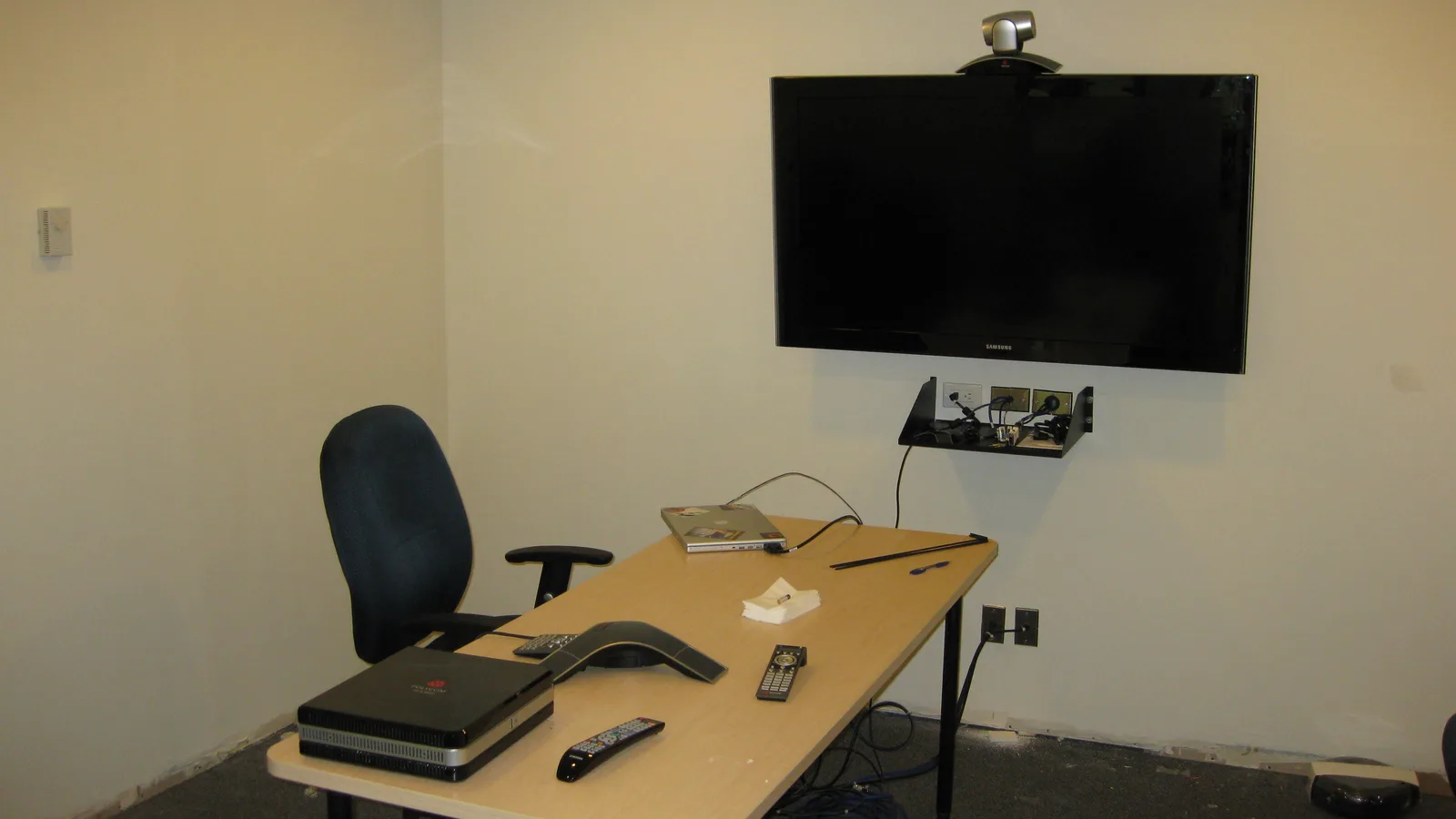
For conference rooms, a laptop camera is rarely enough. Zoom Rooms and Microsoft Teams Rooms support dedicated room systems with a camera, speakerphone and touch controller. These are licensed separately from user plans, and hardware is an additional cost. For small rooms, a USB conference camera with a built-in speaker and a TV screen often works with any meeting app.
Bandwidth tips for Indian offices
Video quality depends on your connection. As a practical guide, prefer a wired connection for hosts, turn off video for large all-hands meetings, and choose lower resolution on mobile data. Most apps adjust quality automatically, but a stable upload speed matters more than download speed when you share your screen.
FAQs
Which video conferencing app is cheapest for businesses in India?
If you already use Google Workspace or Microsoft 365, Meet or Teams costs nothing extra. For a standalone tool, Zoho Meeting's free plan allows 100 participants for 60 minutes, and its paid plans are priced by participant tier in rupees.
What is the Zoom price in India?
Zoom has a free Basic plan and paid Pro, Business and Enterprise plans. It shows prices by region, so check Zoom's official pricing page while signed in from India for the current rupee amount.
Is Google Meet free?
Google Meet is free with a personal Google account, with limits. Business features come with Google Workspace, which starts at ₹99 per user per month on the Base plan and ₹270 on Starter.
How many people can join a Zoho Meeting call for free?
Zoho Meeting's free plan supports up to 100 participants with meetings of up to 60 minutes.
Is FaceTime free to use?
Yes, FaceTime is free on Apple devices, and non-Apple users can join via a web link. It is designed for personal use, not business meetings.
Do I need a separate webinar tool?
Only if you run large one-to-many events with registration. Zoom Webinars, Zoho Webinar and Webex Webinars are sold separately from their meeting plans.